Choosing a CRM for Contractors: Follow Up, Text Back, and a List You Own
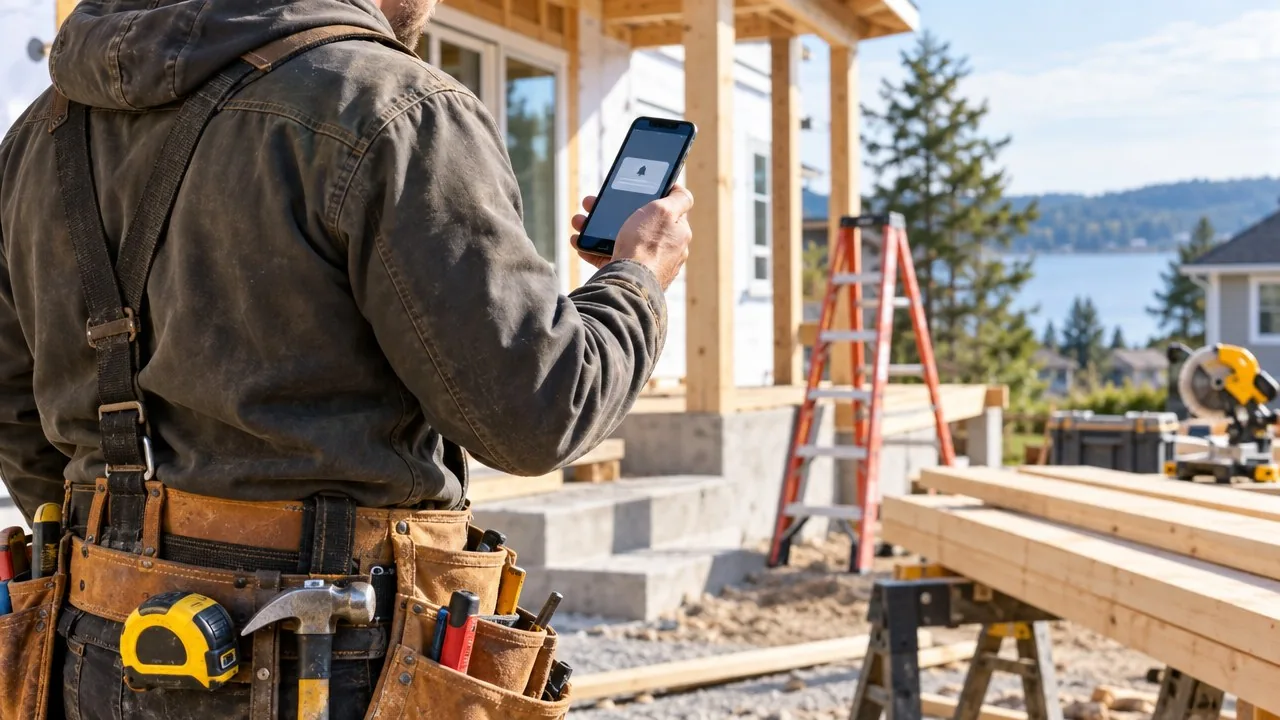
You're on a roof when the phone rings. You can't answer. By the time you climb down, wash up, and call back, that homeowner already booked someone else.
That's not a skill problem. You do great work. It's a systems problem, and systems beat willpower every single time.
A CRM for contractors fixes the gap between the first call and the signed job. But most contractors either buy one that's too complicated or never set it up at all. So let's talk about what it actually needs to do, in plain words.
Do contractors really need a CRM?
Yes, if you ever lose track of a lead, forget a follow-up, or keep customer info in your head, your truck, and three different apps. A CRM is just one place where every lead, estimate, and customer lives, with reminders that don't depend on your memory.
You don't need a fancy one. You need one that does a few things really well and runs while you work.
Where do contractors lose jobs between the first call and the estimate?
Most lost jobs slip away in the quiet moments. Not because of price or quality, but because nobody followed through.
Picture these:
- A homeowner calls during a job. You miss it. They call the next name on the list.
- You send an estimate on Tuesday. You mean to check in. Friday comes and goes. They hire the guy who called back.
- A customer you did great work for two years ago needs another project. They can't find your number, so they search and find someone new.
Sound familiar? Every one of those is fixable with a system, not more hustle.
What should a CRM for contractors do first?
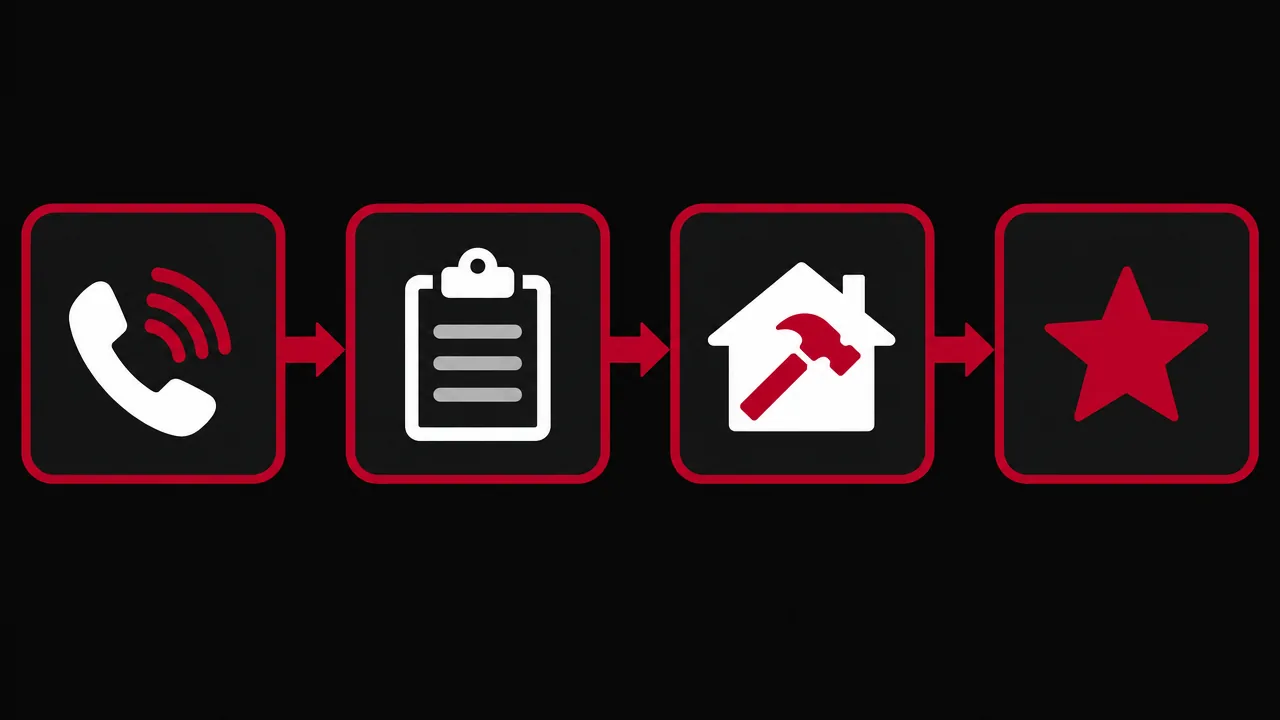
A CRM for contractors should text back missed calls, track every lead through a simple pipeline, follow up after estimates on its own, ask for reviews, and let you own your customer list. Start there. Everything else is extra.
Here's the short list:
- Missed call text back. When you can't answer, the caller gets a friendly text right away.
- A simple pipeline. Lead, estimate sent, job booked, job done. You see where every customer stands at a glance.
- Automated follow up after estimates. Reminders go out without you having to remember.
- Review requests. When a job wraps, the customer gets a quick ask for a review.
- A customer list you own. You can export it anytime and use it to bring past customers back.
If a CRM can't do these five, keep shopping.
How does missed call text back work for contractors?
Missed call text back sends an automatic text to anyone whose call you don't pick up, so the conversation keeps going instead of going cold. The caller hears from you right away, even when you're up a ladder.
The message should sound like you, not a robot. Something like:
"Hey, this is [your name] with [your company]. Sorry I missed you, I'm on a job right now. What can I help you with? I'll call you back as soon as I'm down."
That one text tells them you're real, you're busy (which is a good sign), and you'll follow through. Plenty of callers reply with what they need, and now you have a lead instead of a lost call. Keep it short, keep it human, and make sure you have permission to text for anything beyond a direct reply.
When you shop for missed call text back software, look for one that's built into your CRM, so the conversation lands in the same place as the rest of that customer's info.
How do you follow up after an estimate without being pushy?
Follow up with something useful, not "just checking in." Give the customer a reason to reply.
Here's a simple sequence I like:
- Right after the estimate: Thank them, and recap the one thing they cared about most.
- A couple of days later: Answer a common question, like timing, permits, or materials.
- About a week later: Share a photo of a similar job you finished, or a quick review from a happy customer.
- A couple of weeks later: Ask straight up if they're still planning the project, and offer to adjust the scope if budget is the snag.
How many times should you follow up after an estimate? In my opinion, more than you do right now. In my experience, a lot of contractors stop after one try. I'd keep going until you get a yes, a no, or a "not yet." A "not yet" is a future job. Put it on a reminder and stay in touch.
Automated follow up handles the timing for you. You write the messages once, and the CRM sends them on schedule.
Why should you own your customer list?
You should own your customer list because past customers are usually the easiest jobs you'll ever book. You already earned their trust. Don't lose them inside software you can't export from.
Ask any CRM you're considering: Can I export every contact, with notes and history, anytime? If the answer is fuzzy, walk away.
Once you own your list, you can use it. A seasonal check-in. A note when you have an opening in the schedule. A thank-you on the anniversary of their project. That's how a one-time job turns into a customer for life. If you have an old list sitting around, our database reactivation page shows how to wake it up.
Should you set up a CRM yourself or get it done for you?
Set it up yourself if you enjoy tech and have a few spare evenings. Get it done for you if you'd rather be on the job and want it working right the first time.
Here's the honest tradeoff:
- DIY. You learn the tool inside out and you control every setting. But it takes time, and half-built systems often sit unused.
- Done for you. Someone builds the pipeline, writes the texts, and sets up the follow-ups in your voice. You get it running fast. You still need to use it every day.
Either way, the goal is the same... a system that runs while you're working.
What's a simple one-week plan to get started?
Automate one task at a time. Small wins stack up fast.
- Day 1: Load your current leads and past customers into the CRM.
- Day 2: Turn on missed call text back and write your message.
- Day 3: Build your pipeline stages: lead, estimate sent, job booked, job done.
- Day 4: Write your follow-up messages for after an estimate.
- Day 5: Set up the review request that goes out when a job closes.
- Day 6: Send a friendly check-in to past customers.
- Day 7: Look at what came back, then tweak one thing.
Want more ideas for what to automate next? Check out these workflow examples.
FAQ
What is the best CRM for a small contracting business?
The best one is the one you actually use. Look for missed call text back, a simple pipeline, automated follow up after estimates, review requests, and easy export of your customer list.
Do contractors really need a CRM?
If you ever miss calls, forget follow-ups, or keep customer info in your head, yes. A CRM keeps every lead in one place and reminds you what to do next.
What is missed call text back?
It's a feature that sends an automatic text to anyone whose call you miss, so they hear from you right away and don't move on to the next contractor.
How many times should you follow up after an estimate?
My take: more than once. Keep following up with useful messages until you get a clear yes, no, or not yet.
Can I own my customer list if I switch CRMs?
You should. Before you sign up, confirm you can export all your contacts, notes, and history anytime. If you can't, pick a different CRM.
Your next job is already calling. Let's build the system that answers it. Book your free strategy call at builddontbeg.com/book, and we'll set up your text back, follow-ups, and customer list so they run while you work. See what we automate on our automation page.